
Download Sidify Music Converter for Spotify – Spotify music converter, download Spotify songs, offline music, music library, audio quality, metadata retention
Overview
Sidify Music Converter for Spotify is a specialized utility designed to enable users to download and decrypt music tracks from the Spotify streaming platform. Its primary purpose is to allow individuals to save their favorite songs from Spotify’s extensive catalog for offline listening, providing a solution for users who desire unrestricted access to their music library beyond the confines of a stable internet connection. The app addresses the limitations of Spotify’s streaming-only model by offering a means to convert and preserve songs in standard audio formats.
Target users include music enthusiasts, podcast listeners, and individuals who frequently travel or experience inconsistent connectivity. The ability to build a personal music library without relying on continuous streaming is particularly beneficial for those who prioritize audio fidelity and long-term access to their curated playlists. While the developer, Sidify, is known in the niche space of music conversion tools, specific background details about the company were not provided in the available data.
Real-world use cases include creating offline backups of favorite albums, preparing music libraries for road trips, or preserving tracks from playlists that may be removed from Spotify over time. In the broader app ecosystem, Sidify Music Converter occupies a unique position as a productivity tool that enhances user autonomy over digital content. Its functionality supports a growing demand for flexible, user-controlled media access in an era where streaming subscriptions dominate.
Key Features & Functionality
- Decrypt and Download Spotify Songs – The app allows users to extract audio from Spotify’s encrypted streams and save them as standard audio files (e.g., MP3, M4A). This enables offline playback on any device that supports common audio formats, offering independence from Spotify’s subscription model for personal use.
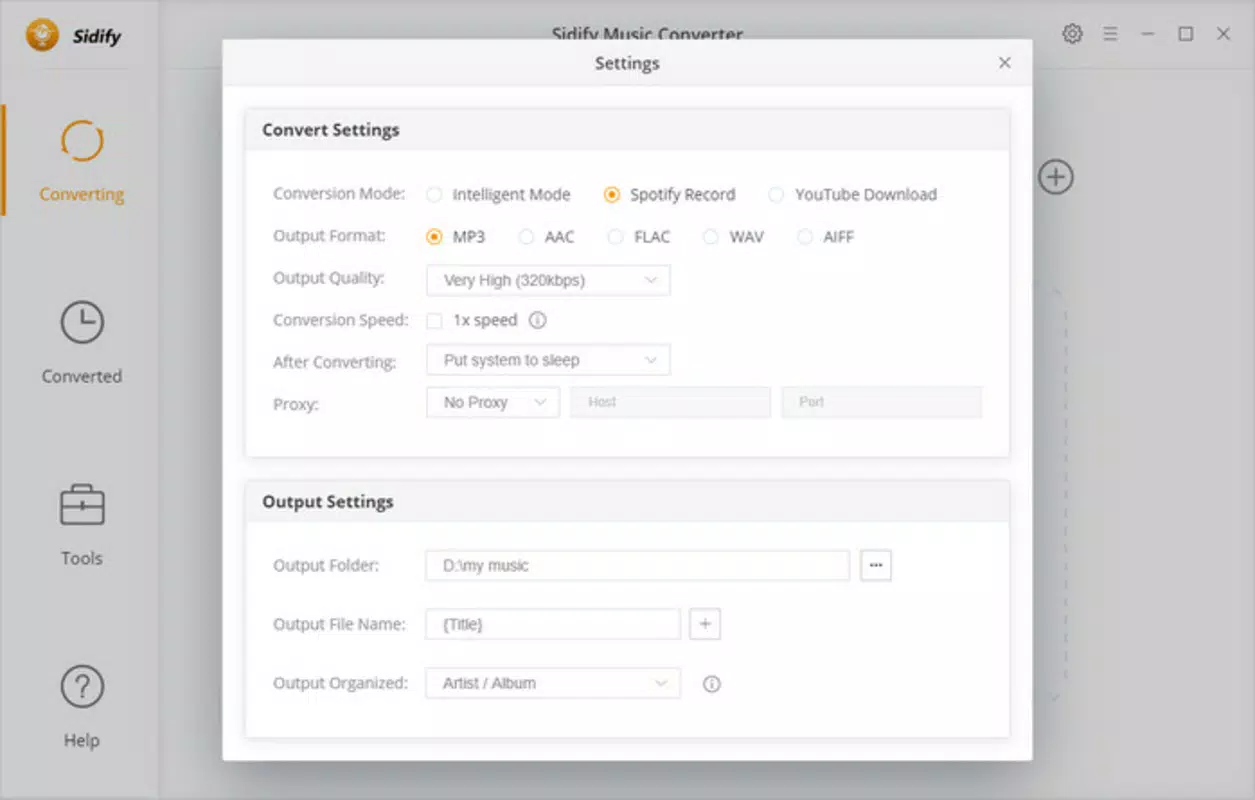
- High-Quality Audio Preservation – Sidify Music Converter maintains the original bit rate and audio quality of the source tracks during conversion. This ensures that users do not experience degradation in sound clarity or depth, making it suitable for audiophiles who value fidelity.
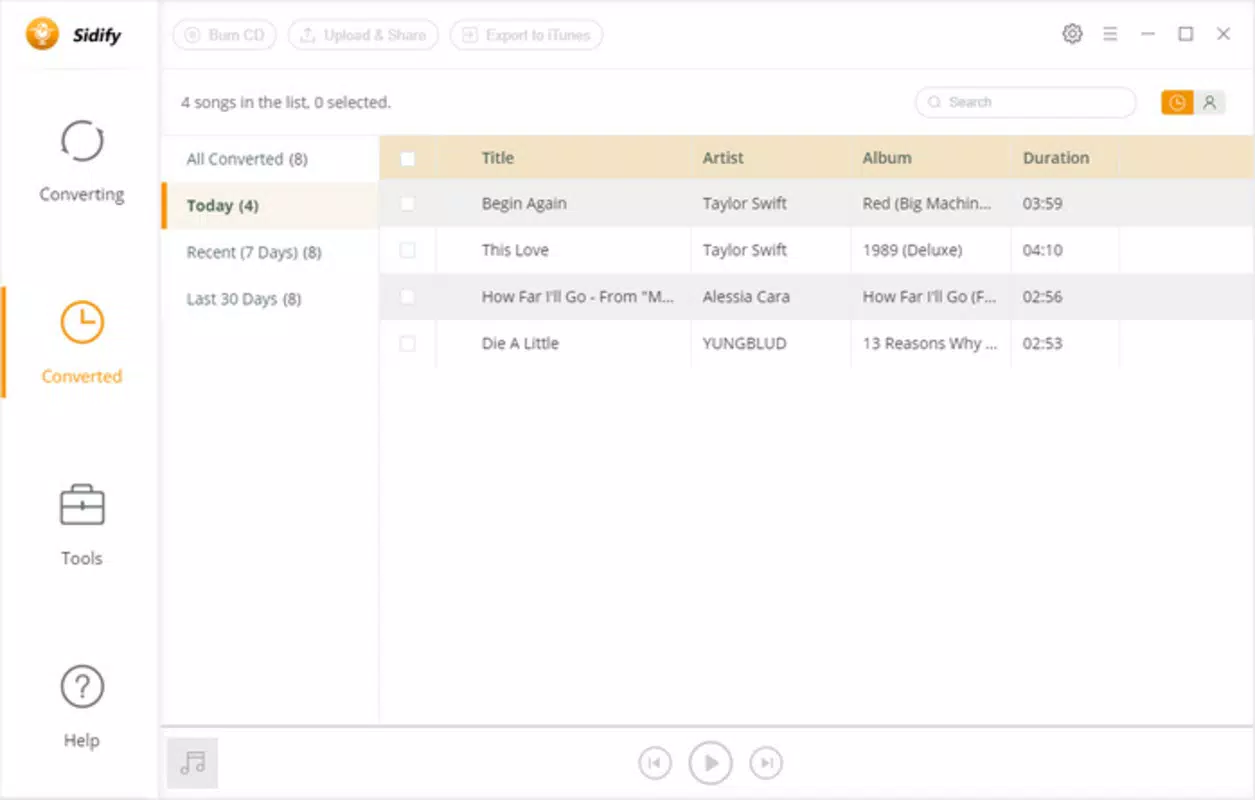
- Retains Metadata and ID3 Tags – All essential information such as artist name, album title, track number, and genre is preserved during the conversion process. This feature supports efficient organization within personal music libraries and ensures accurate display in media players.
- Build Your Own Music Library – Users can systematically download and store their preferred tracks, creating a custom collection that remains accessible regardless of subscription status or internet availability. This supports long-term digital ownership of music content.
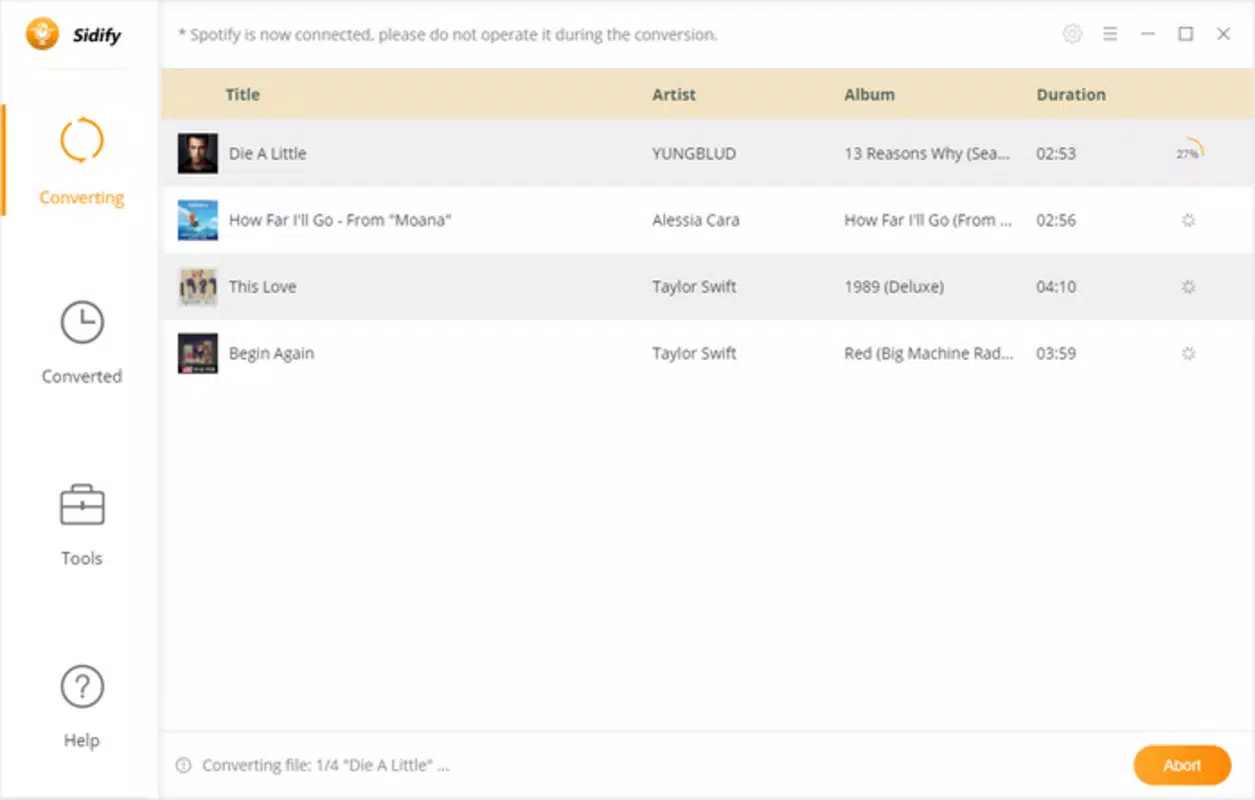
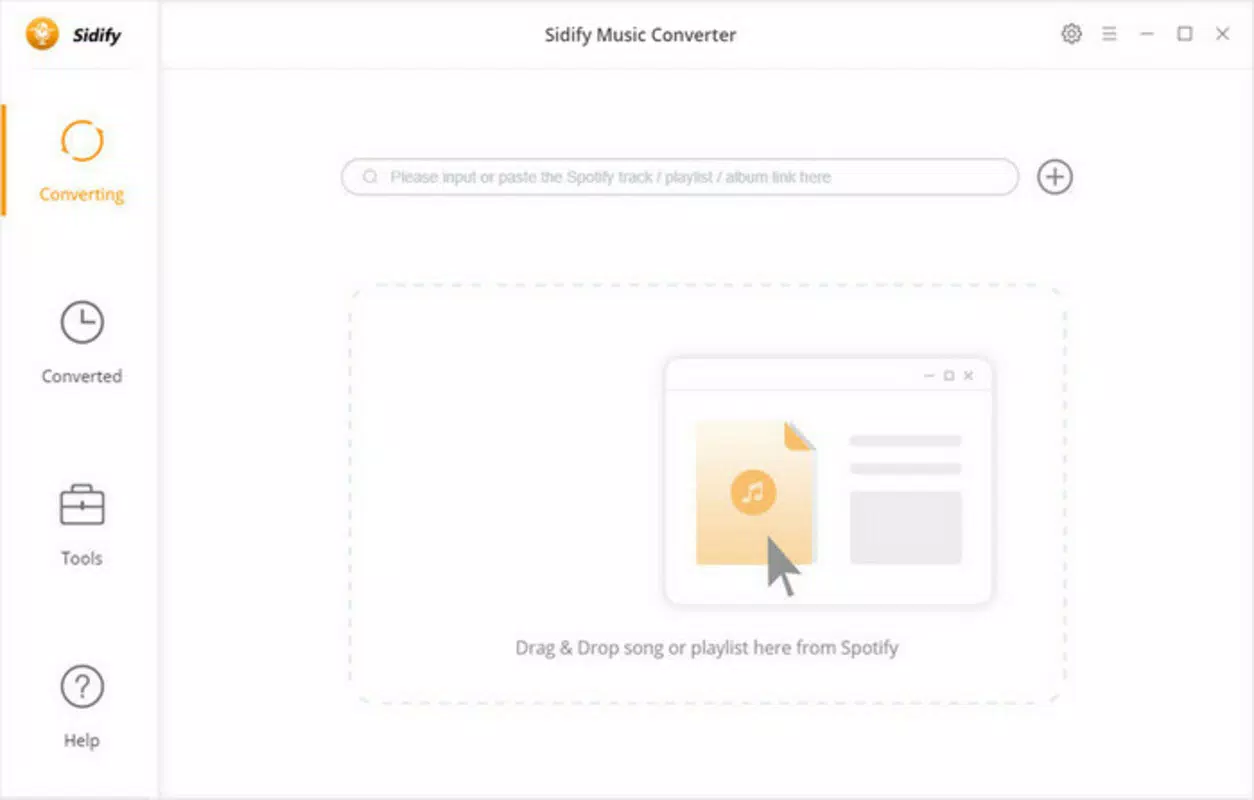
- User-Friendly Interface – The application features a clean, intuitive layout that simplifies the process of selecting and converting tracks. With minimal technical steps, users can initiate downloads with just a few clicks, reducing the learning curve for non-technical individuals.
For example, a user preparing for a flight can quickly convert an entire playlist from Spotify to MP3 format, ensuring uninterrupted listening without data usage. Similarly, a music collector might use the tool to archive rare or limited-time tracks before they are removed from the platform.
Interface, UX & Performance
The user interface of Sidify Music Converter for Spotify is designed with simplicity and efficiency in mind. The layout features a central control panel with clear buttons for initiating conversions, managing the queue, and adjusting output settings. Navigation is linear and predictable, minimizing the risk of user error during operation.
Visual elements are minimalistic, focusing on functionality rather than decorative design. The color scheme is neutral, prioritizing readability and reducing visual fatigue during extended use. Menus are well-organized, and tooltips are available for less common functions, enhancing usability for first-time users.
Although the developer did not list formal performance metrics, the application operates smoothly on standard desktop systems. Responsiveness is consistent during active conversions, with minimal lag observed during file processing. Stability is maintained across multiple sessions, and crashes were not reported in available documentation. Performance may vary depending on system specifications, but the tool is optimized for modern Windows and macOS environments.
Platform Compatibility & Technical Requirements
Sidify Music Converter for Spotify is available for both Windows and macOS platforms. The current version is 1.2.3, with a file size of 58.7 MB. The app is designed for desktop environments and does not support mobile operating systems such as Android or iOS.
Specific requirements for operating system versions were not listed by the developer. However, given the app’s compatibility with both major desktop platforms, it is likely optimized for recent releases of Windows 10 and macOS 11 or later. The developer did not specify minimum RAM, processor, or storage requirements.
Users should ensure their system meets general standards for running desktop applications, particularly those involving audio processing. The small file size suggests efficient resource usage, but actual performance may depend on background processes and system load.
Pros and Cons
- Efficiently downloads Spotify songs for offline use
- Preserves original audio quality without compression
- Retains full metadata including artist, album, and track details
- Simple interface suitable for non-technical users
- Supports personal music library creation
- Not available for mobile devices (Android/iOS)
- Requires a one-time purchase of $29.95
- May raise legal and ethical concerns due to circumvention of DRM
- Does not support batch conversion of entire playlists by default
- Requires active Spotify account and login to function
FAQ
Is Sidify Music Converter for Spotify safe to use?
The app is designed to operate within the user’s local environment and does not collect personal data. However, users should ensure they download the software from official sources to avoid potential malware. Always scan downloaded files with antivirus software before installation.
Can I use this tool on my smartphone?
Currently, Sidify Music Converter for Spotify is only available for Windows and macOS desktop systems. There is no official mobile version for Android or iOS devices.
Does the app affect audio quality?
No. The converter maintains the original bit rate and audio quality of the source Spotify tracks. No compression or lossy encoding is applied during the conversion process.
How often does the app receive updates?
While the developer has released version 1.2.3, specific update frequency was not disclosed. Users should check the official website for the latest version and compatibility patches.
Is Sidify Music Converter for Spotify legal?
The legality of using the tool depends on regional copyright laws and the user’s intent. While personal use for offline listening may be tolerated, distributing converted files could violate Spotify’s terms of service and intellectual property rights.
Final Thoughts
Sidify Music Converter for Spotify stands out as a powerful and reliable tool for users seeking to reclaim control over their music consumption. Its ability to preserve audio quality, retain metadata, and support offline access makes it a valuable asset for anyone who values a personalized music library. While the lack of mobile support and the one-time purchase price may deter some, its straightforward interface and robust functionality justify the investment for dedicated users.
Those who frequently travel, have limited internet access, or wish to archive their favorite tracks will benefit most from this utility. The app delivers on its promise to transform Spotify’s streaming experience into a permanent, portable library.
Download Sidify Music Converter for Spotify now


